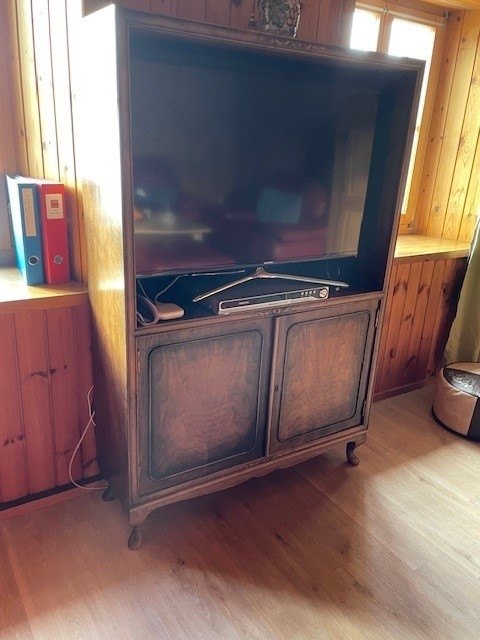
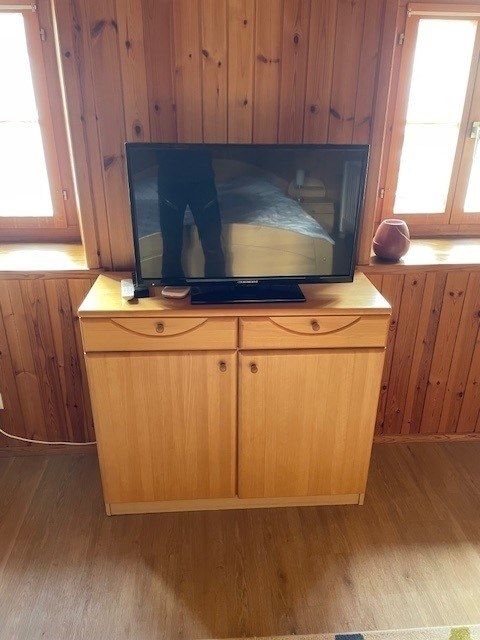

Satellite box & TV
Host
Schmitten Davos
Bergkultur - Ferienwohnungen
Details
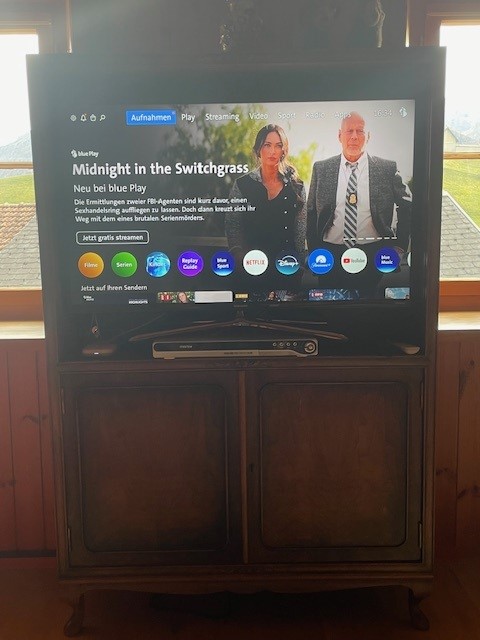
Two TVs, each equipped with Swisscom TV, are located in the large living room upstairs and in the large bedroom downstairs. This service is provided free of charge.
Various other channels such as YouTube, DisneyChannel or Netflix can be accessed via Swisscom TV. However, guests must enter their own access data for this.
Living room
White remote control
The white remote control switches on the Swisscom box and the TV at the same time. The basic Swisscom program with all channels is automatically displayed.
For information only: The Swisscom box runs via the HDMI1 channel.
HDMI2 for external device
In addition, an HDMI cable is connected to HDMI2 in case guests want to connect their own external device (e.g. laptop).
In addition, an HDMI cable is connected to HDMI2.
Black TV remote control
The black TV remote control can only be used to switch between HDMI1 and HDMI2 (via the Source button at the top).
DVD device
The DVD device is also already connected via Scart. Various DVDs are stored in the cupboard under the TV. When the DVD set is switched on (remote control is located in the cabinet under the TV), the TV should automatically switch to the DVD channel.
Otherwise, use the black TV remote control (source), see above, to change the channel accordingly.
Additional screen
An additional screen is located in the cabinet under the TV, should it be needed. Please put it back in the cupboard complete with all cables/remote control.
Bedroom large south upper floor
The white remote control switches on the Swisscom box and the TV at the same time. The basic Swisscom program with all channels is automatically displayed.
For information only: The Swisscom box runs via the HDMI1 channel.
The black TV remote control is not required. However, if the HDMI channel has been changed, you can switch back to HDMI1 for Swisscom TV.
Enjoy your entertainment!
Team